
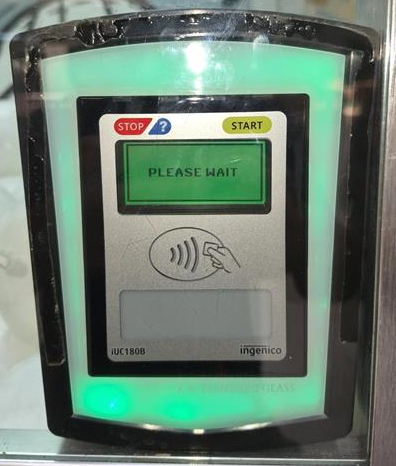
Terminal on Please Wait
Terminal on Please Wait

Give machine a 2 minute reboot
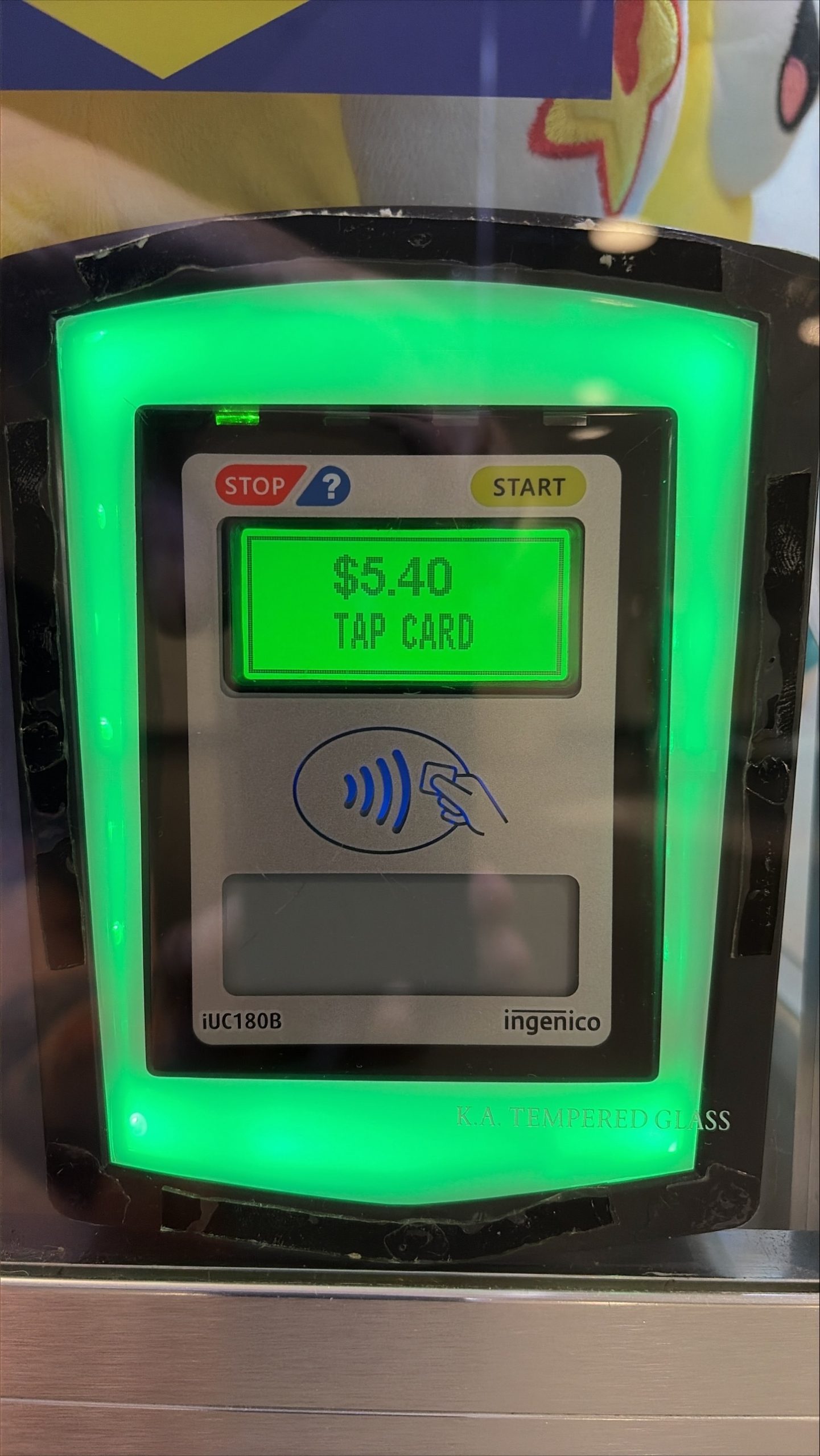
Terminal back on 5.4?
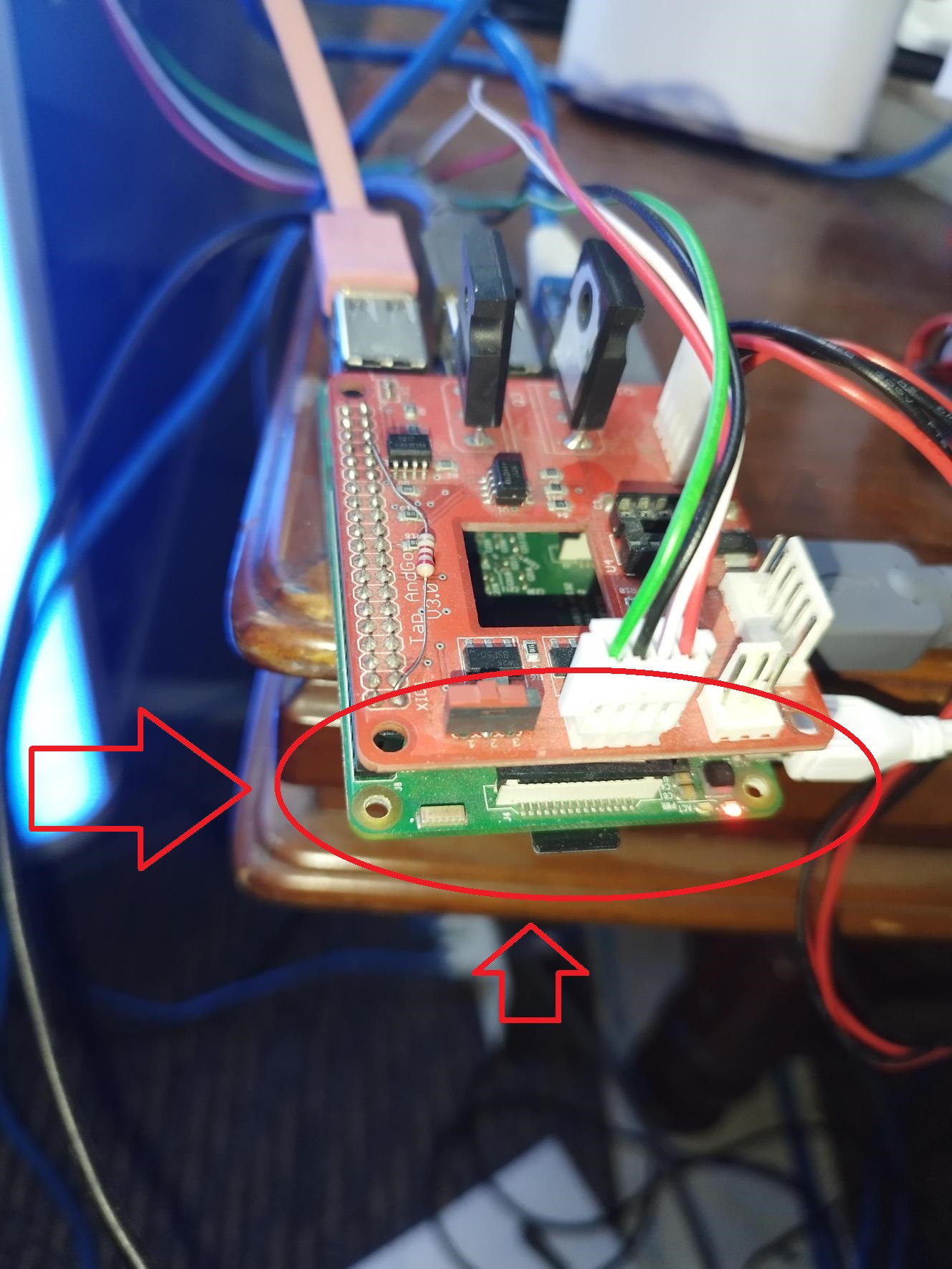
Check raspi LED
Blinking green and solid red
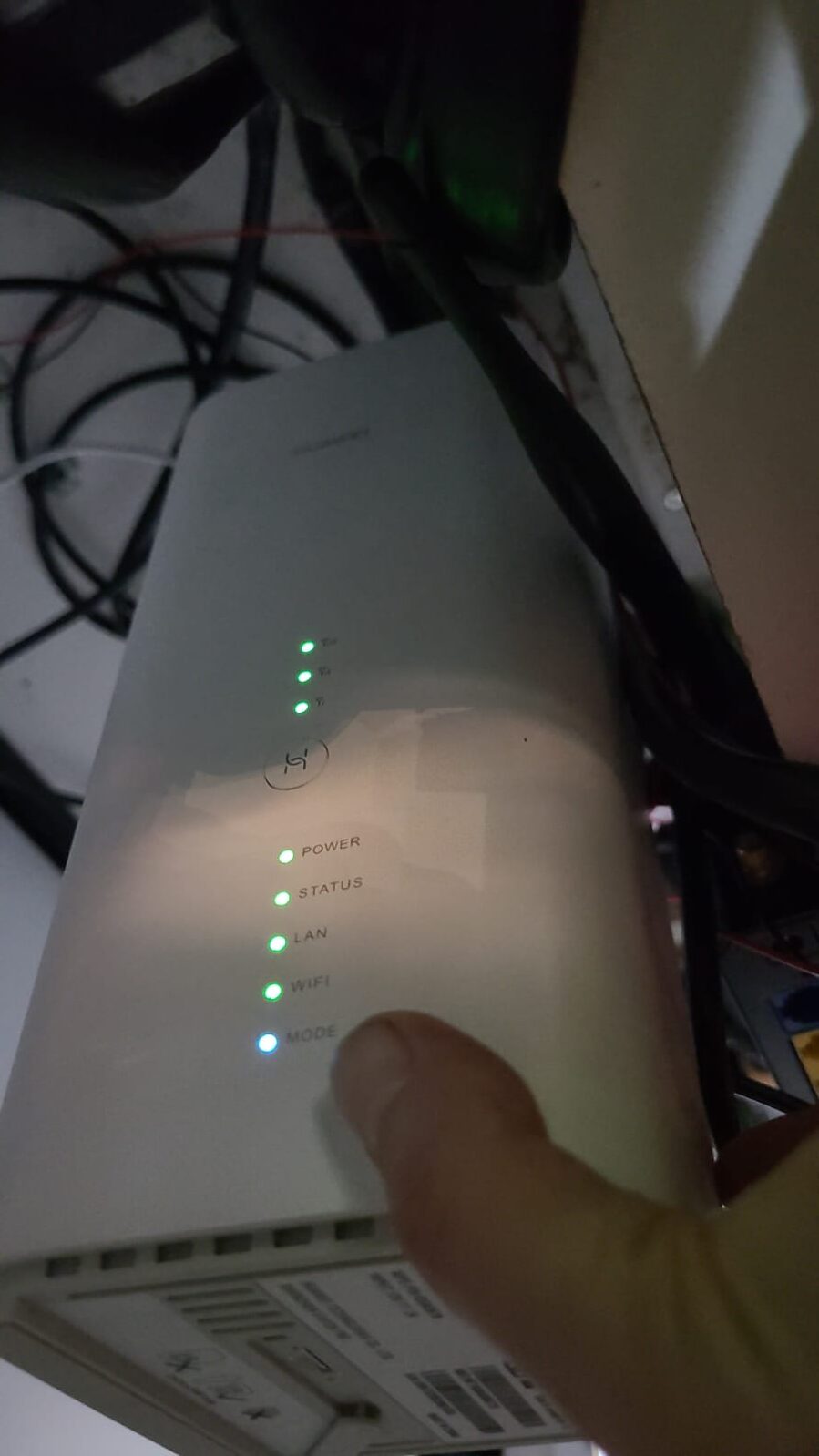
Is the router internet LED indicator OK?
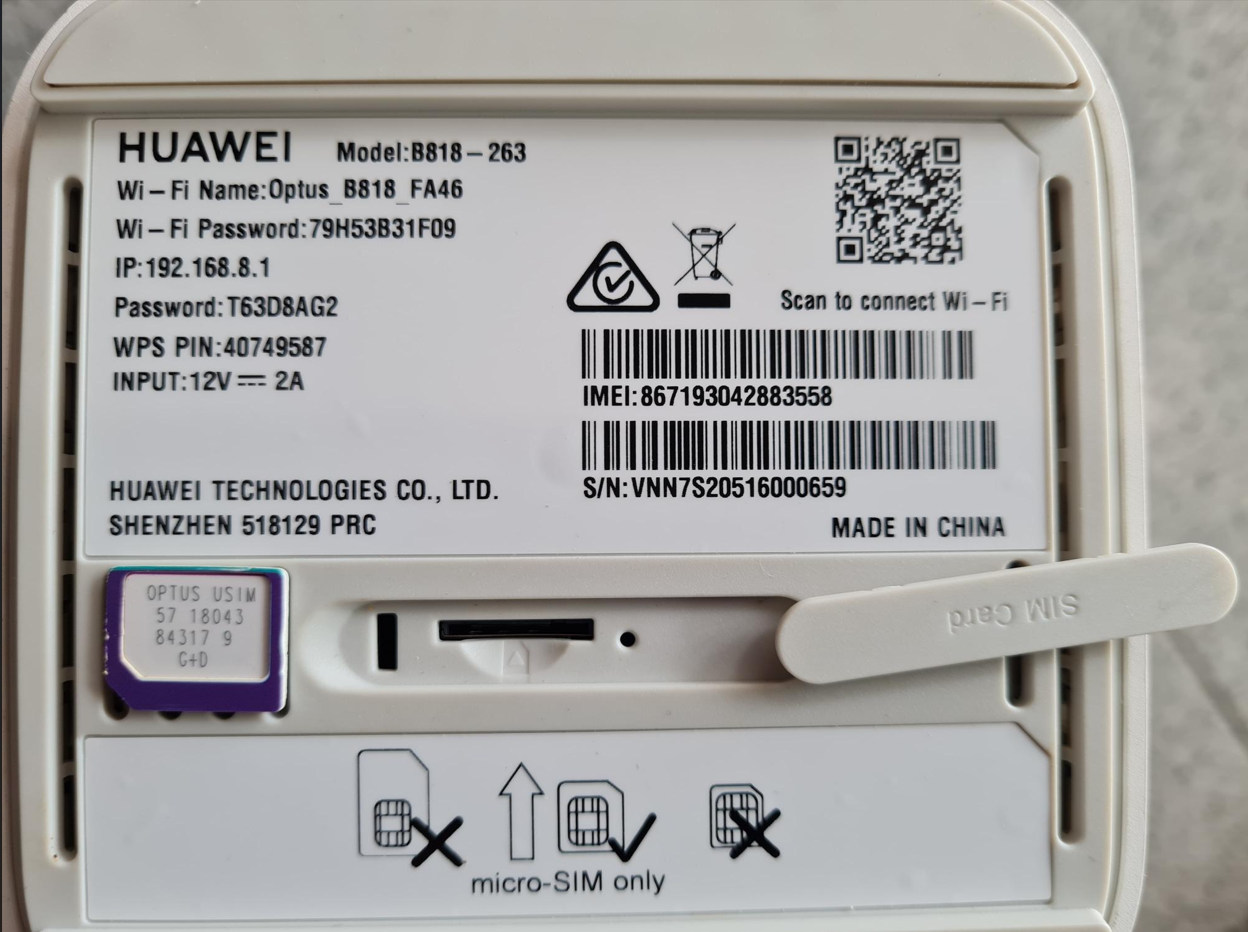
Remove and Clean the sim card, restart and test again
Is the router internet LED indicator OK?
Terminal back on 5.4?

Contact IT
Test Tap
Confirm in log checker, games given and meter ticks
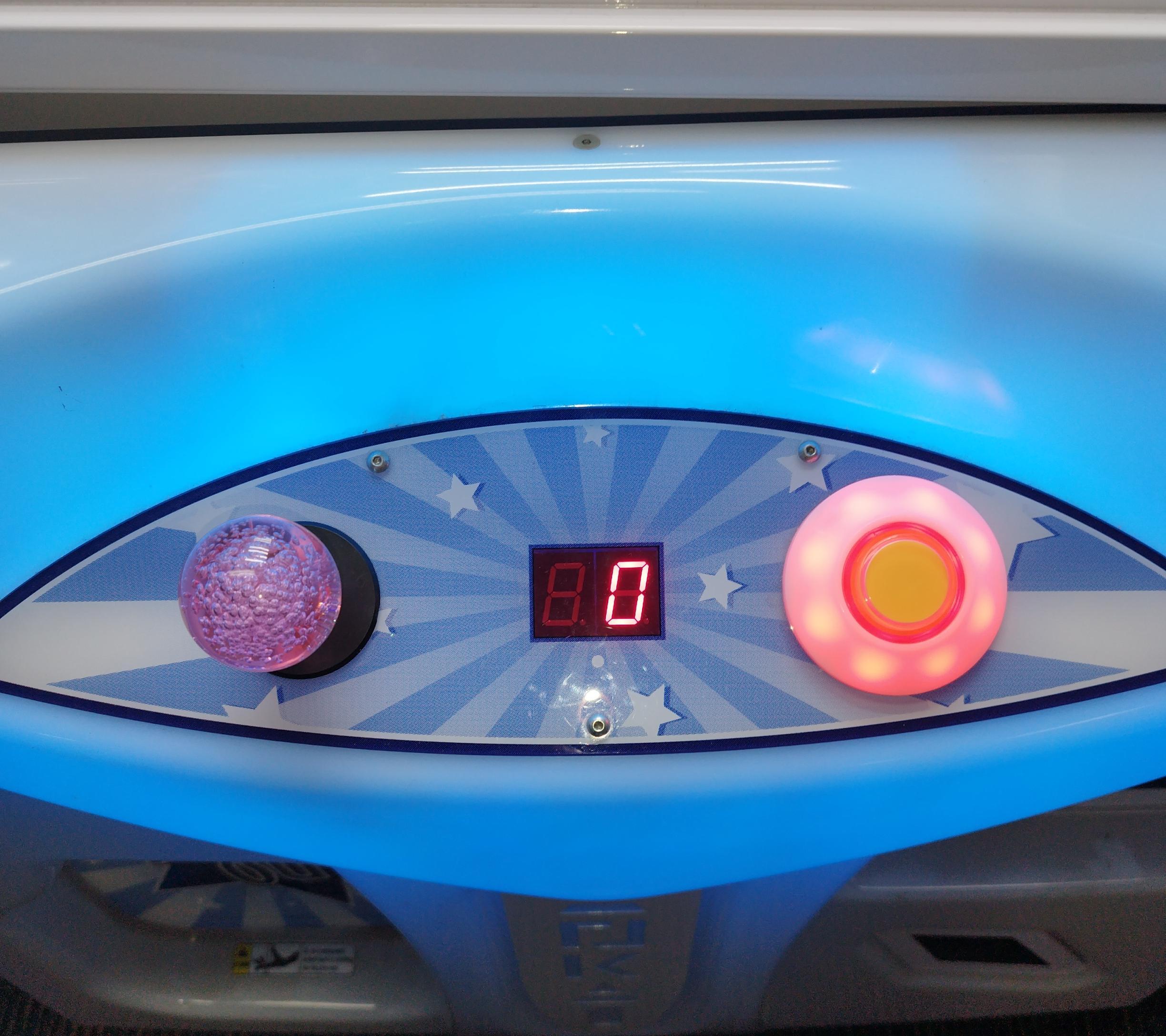
Is the Machine in error?
Identify the error.
Troubleshoot the error.
Contact IT Support
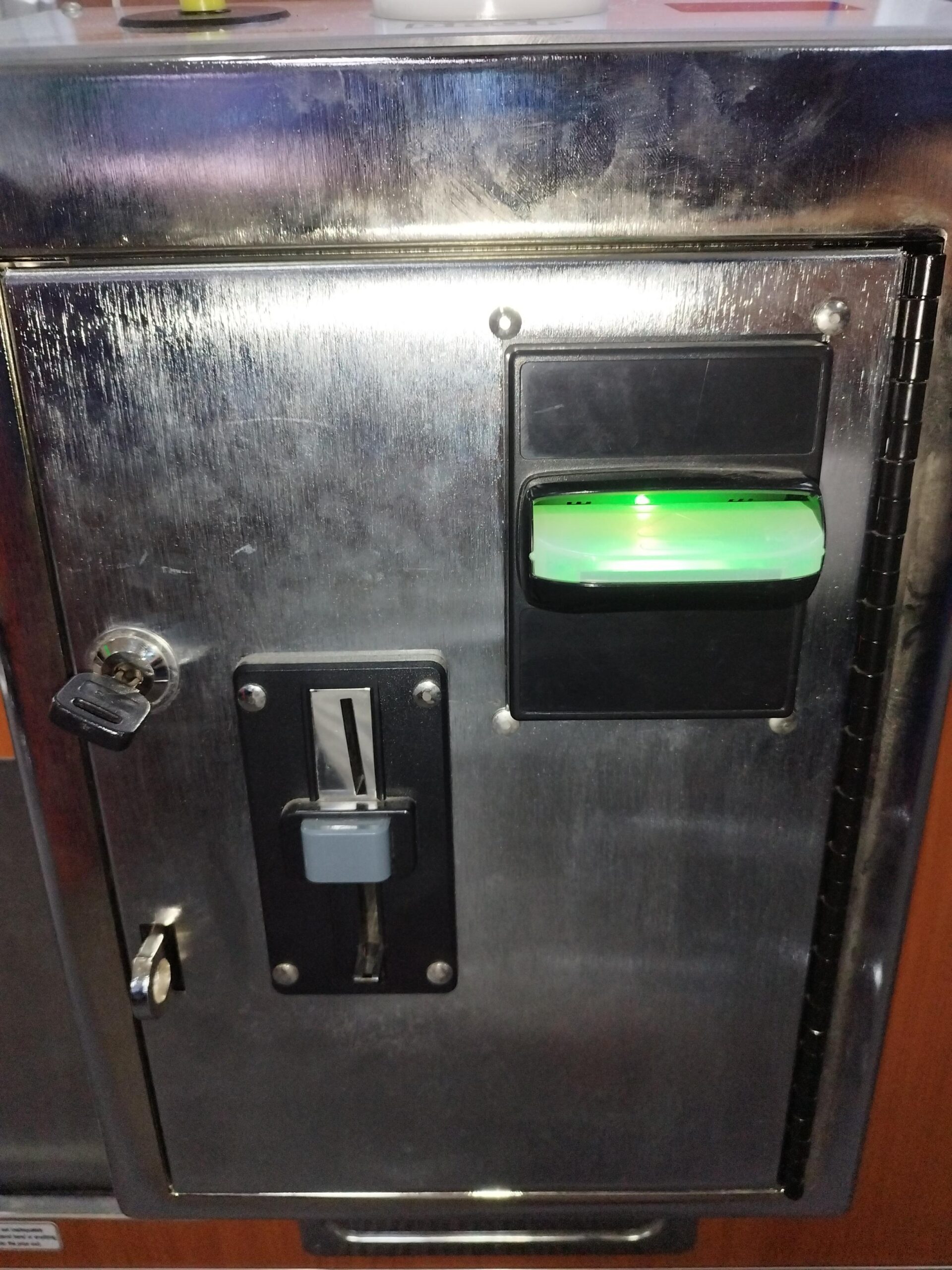
Is the Note Reader ON?
Is the Note Reader LED colour blinking RED?
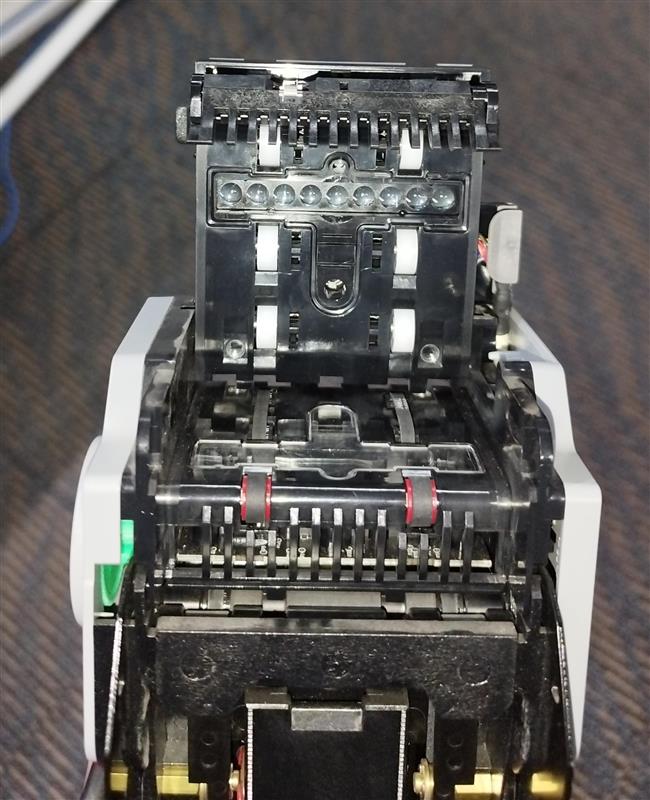
Clean the sensors and belts of the Note Reader.
Check any obstruction on the bill stacker.
Clean the sensors and belts of the Note Reader.
Is the Note Reader LED blinking multi-colour?
Is the Note Reader LED blinking multi-colour?
Contact IT before replacing the Note Reader
Test Note.
Confirm meter ticks and money logs.
Does it accept Note?
Remove the Note Reader and give sensors and belts a good clean.
Test again.
Does it give credits ?
Finish transaction then report back to the group chat.
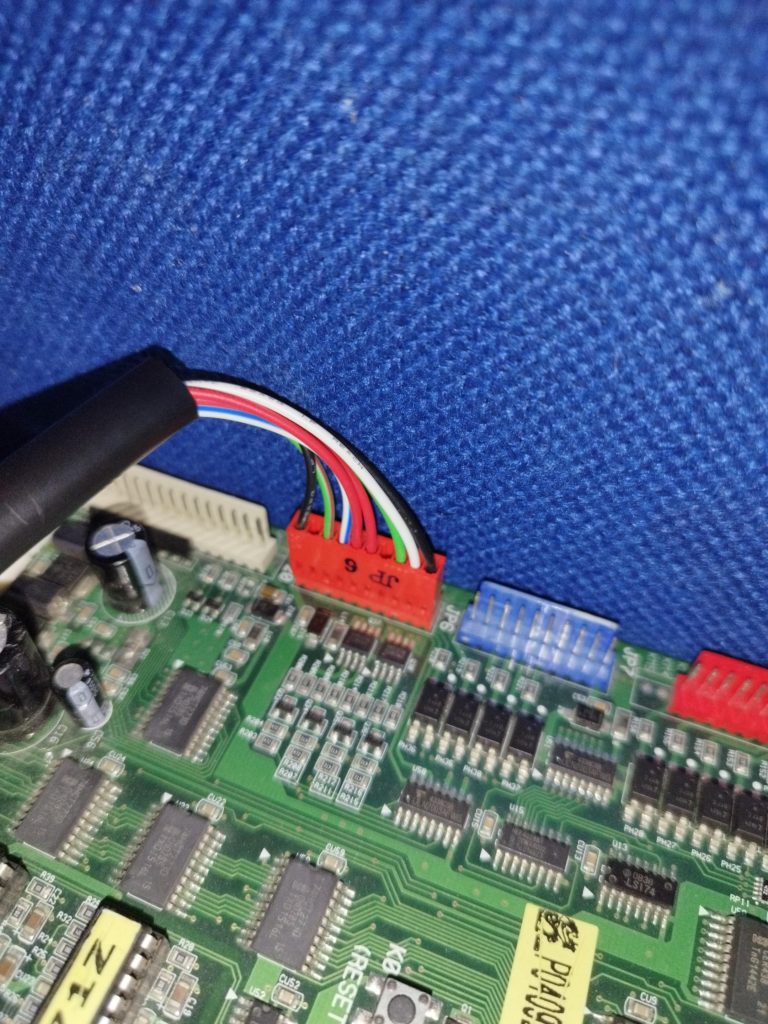
Disconnect the JP6, then reconnect it after awhile.
Does it give credits?
Contact IT before replacing it with a new Note Reader.
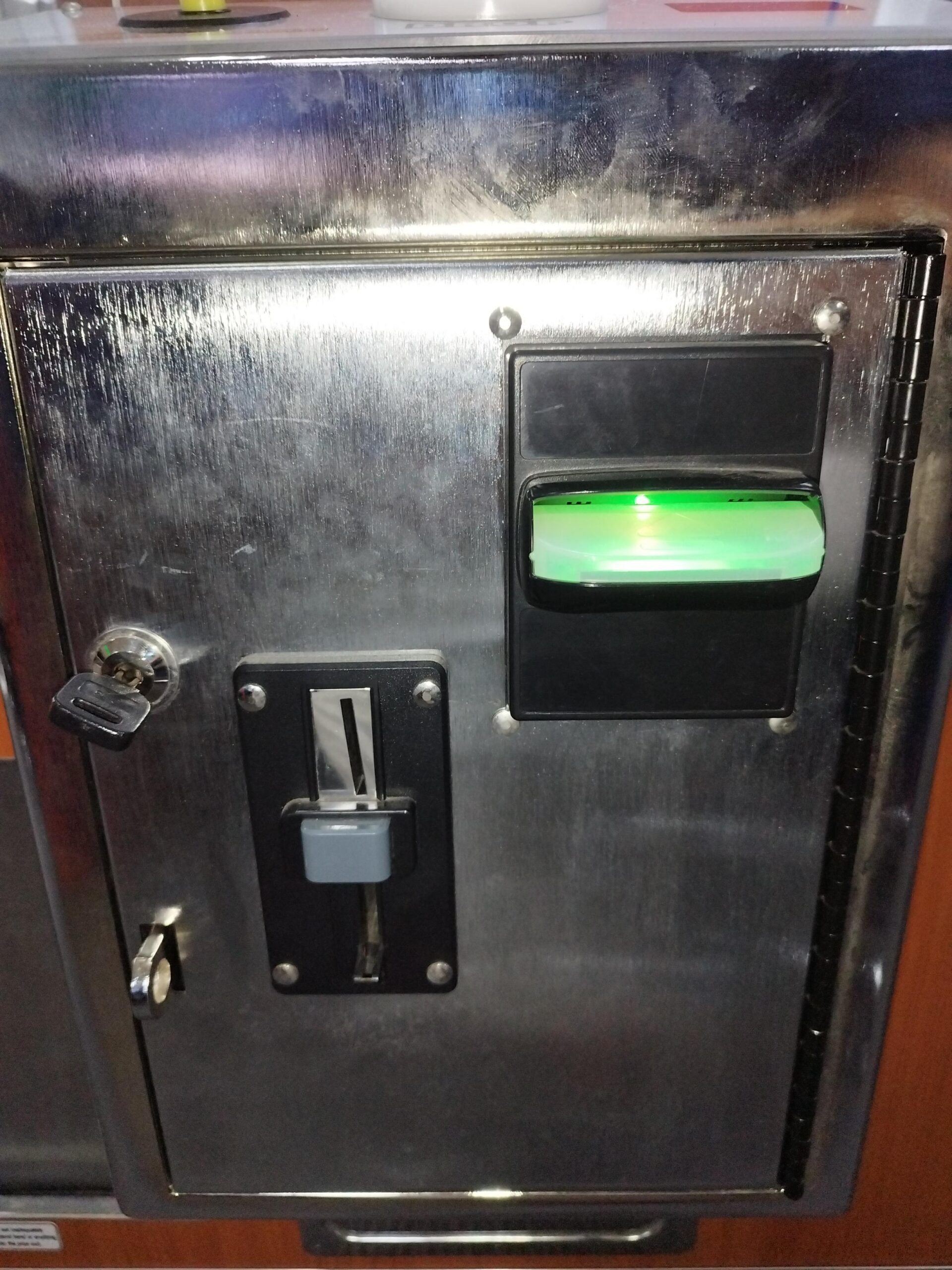
Is the Note Reader LED changing colour?
Remove the Note Reader and give it a good clean.
Does LED changing colour?

Contact Tech Support for assistance
Does the Main.py active?
Is the internal hardware detected?
Restart Main.py.
Wait for the terminal to display $5.4
Does tap gives credits ?
Comment what has done in transaction comments
Escalate to Ariel
Check connection of terminal hardware.
Causes:
- Driver Missing
- Update the serialProtocol.py
Does an error occur on Main.py
Troubleshoot the error.
Causes:
- Dependencies missing
- Corrupted program
- Driver error
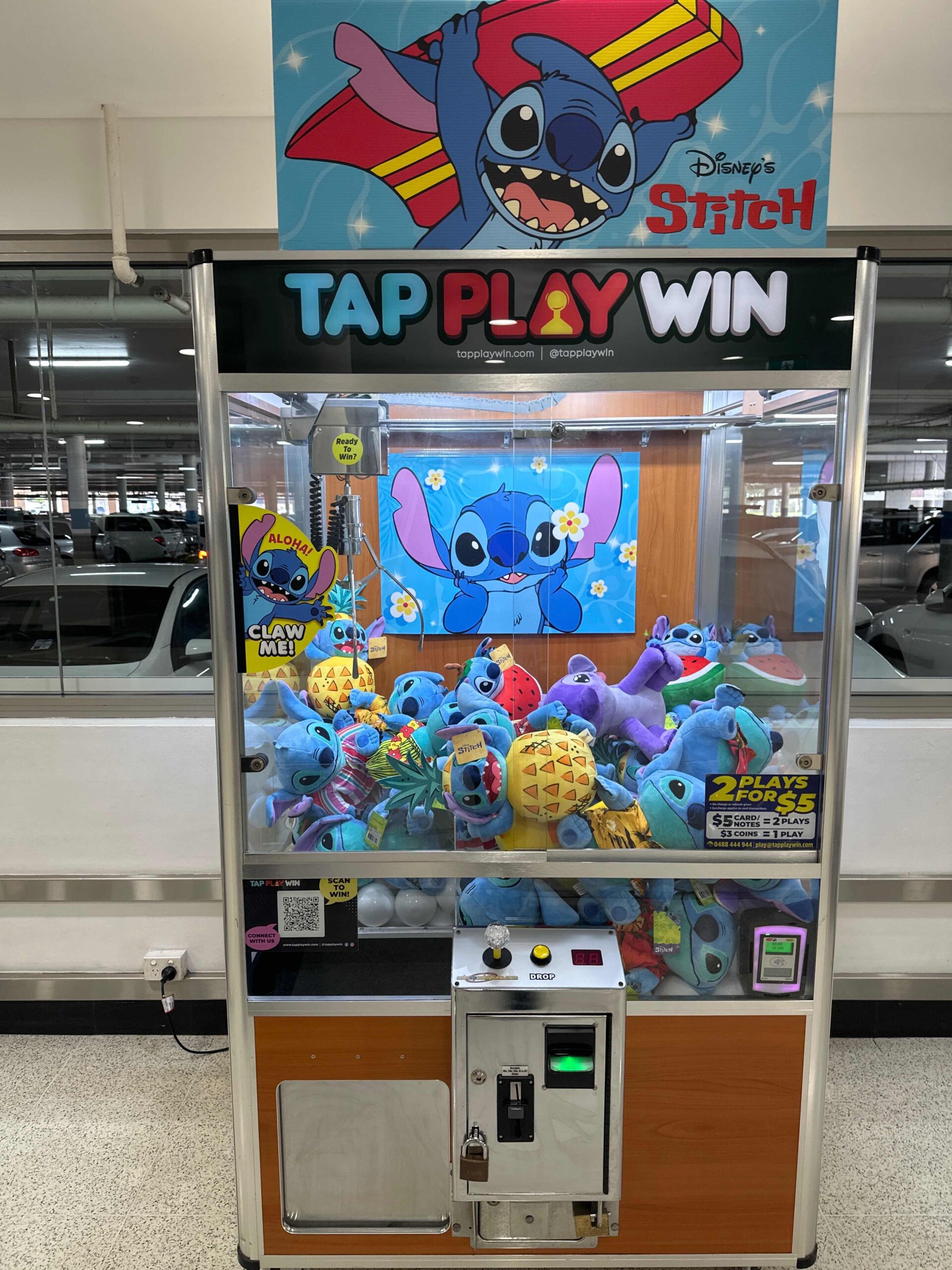
Is Note, Coin, Tap and Credit Display off?
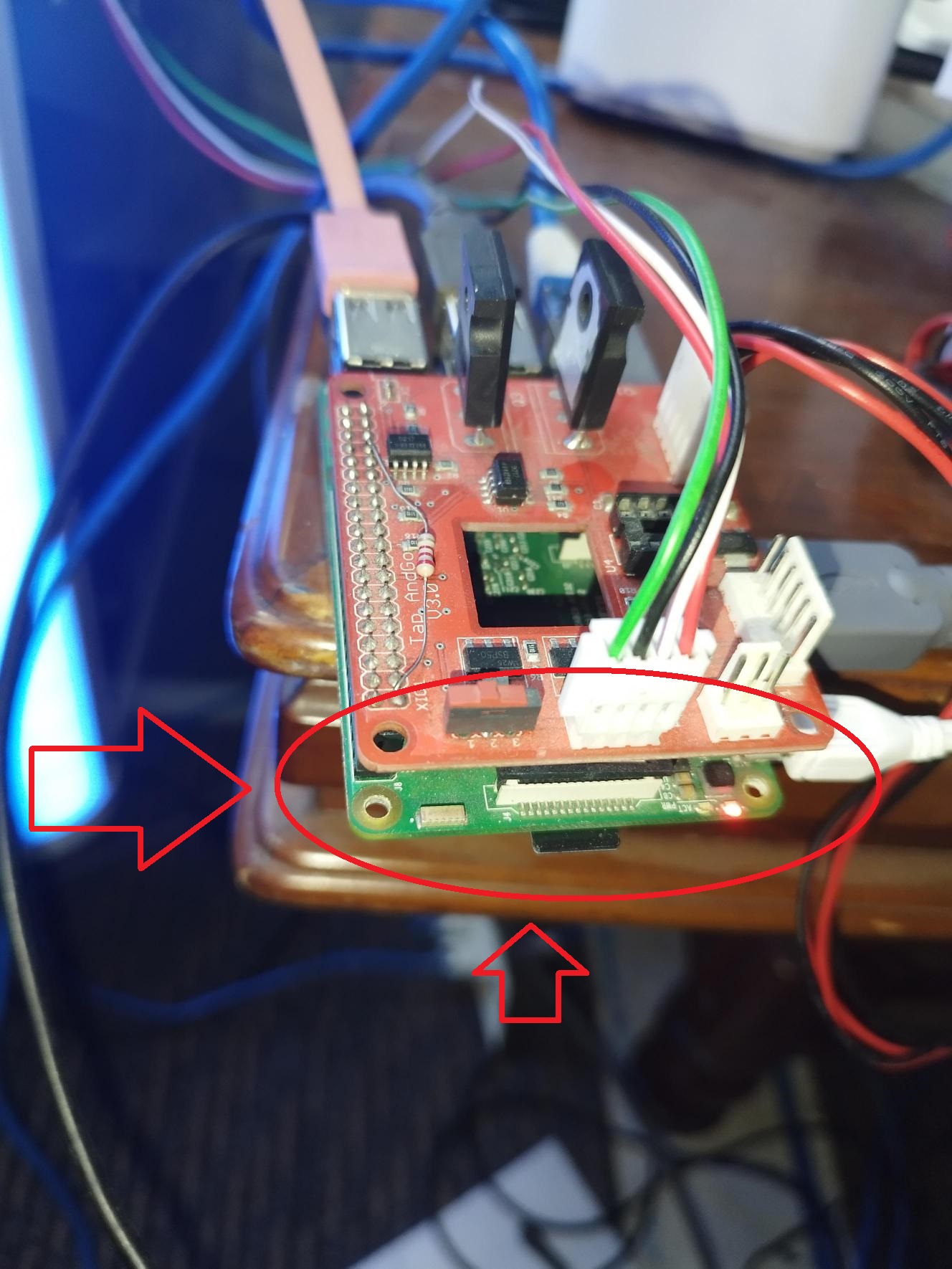
Check raspi LED. Is it blinking green and solid red?
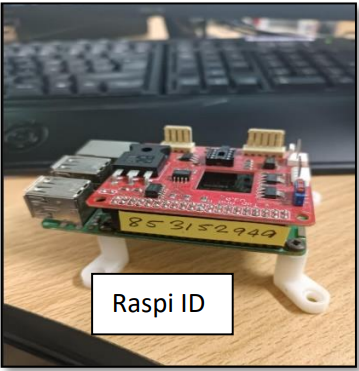
Contact IT before replacing the raspi. Send the raspi ID to Tech Support
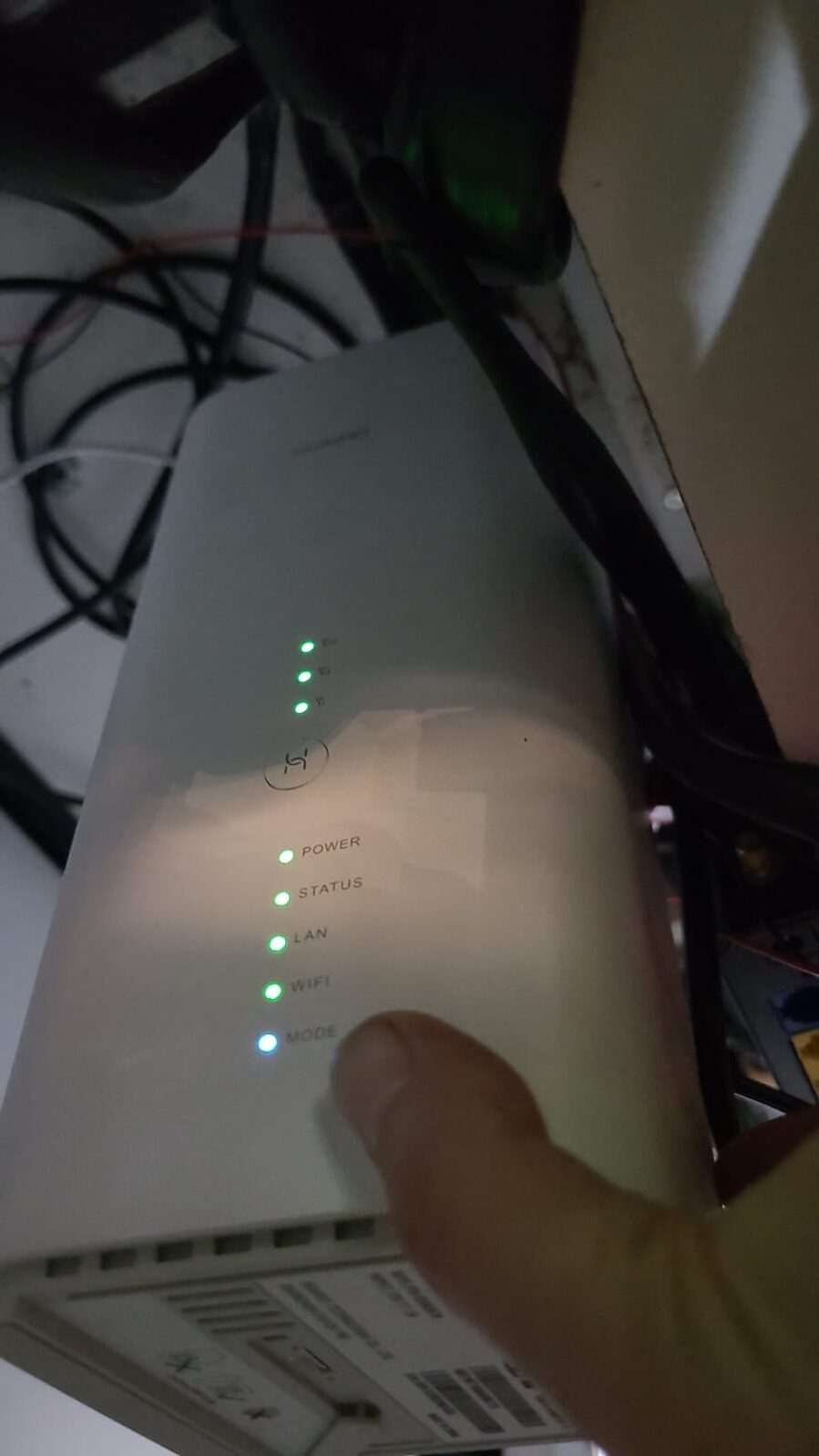
Is the router mode LED indicator blue/green?
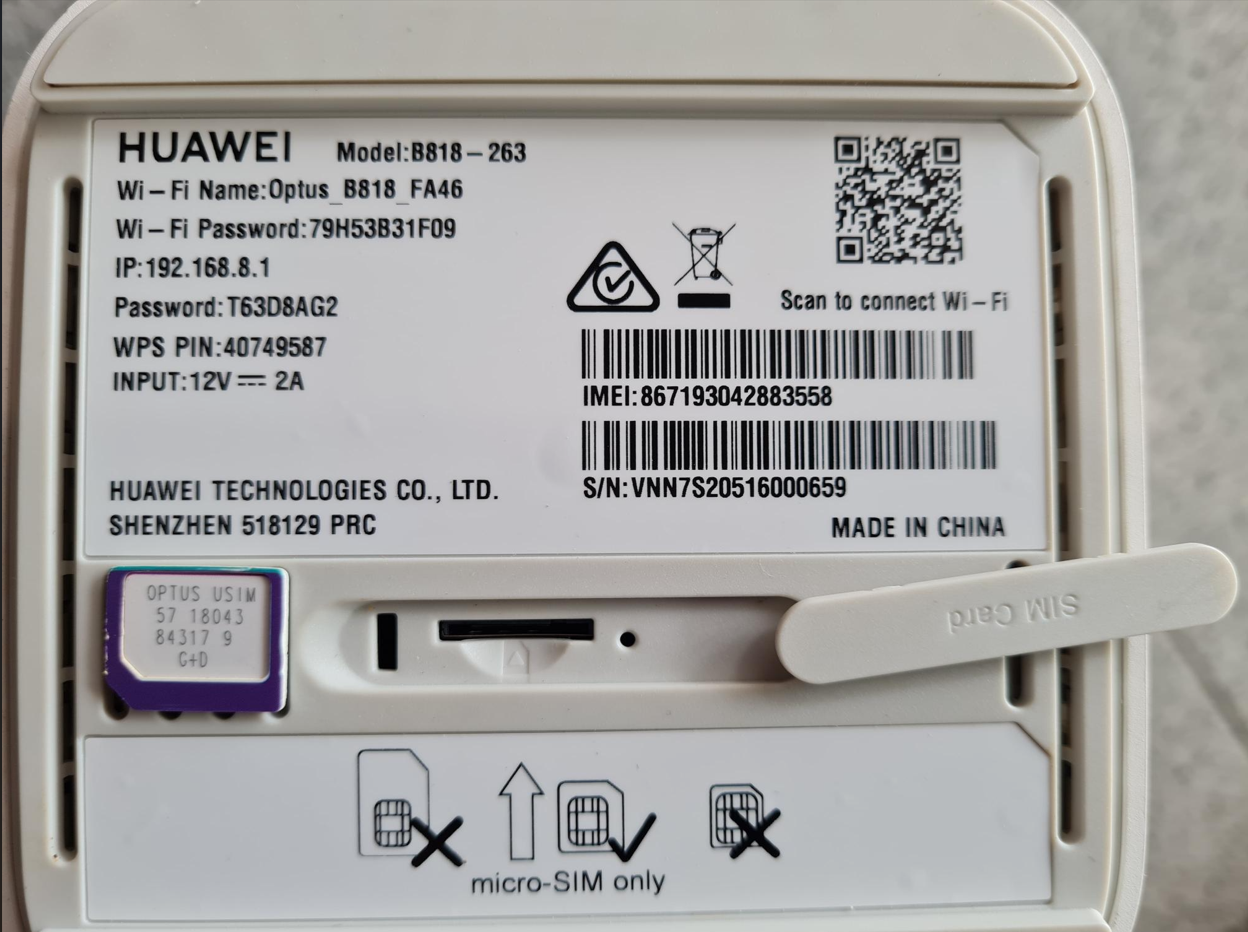
Turn off and remove and clean the sim card, restart and test again
Test Money and Win and contact IT
Contact IT before replacing the router and send router info to IT support
Is the router mode LED indicator blue/green?
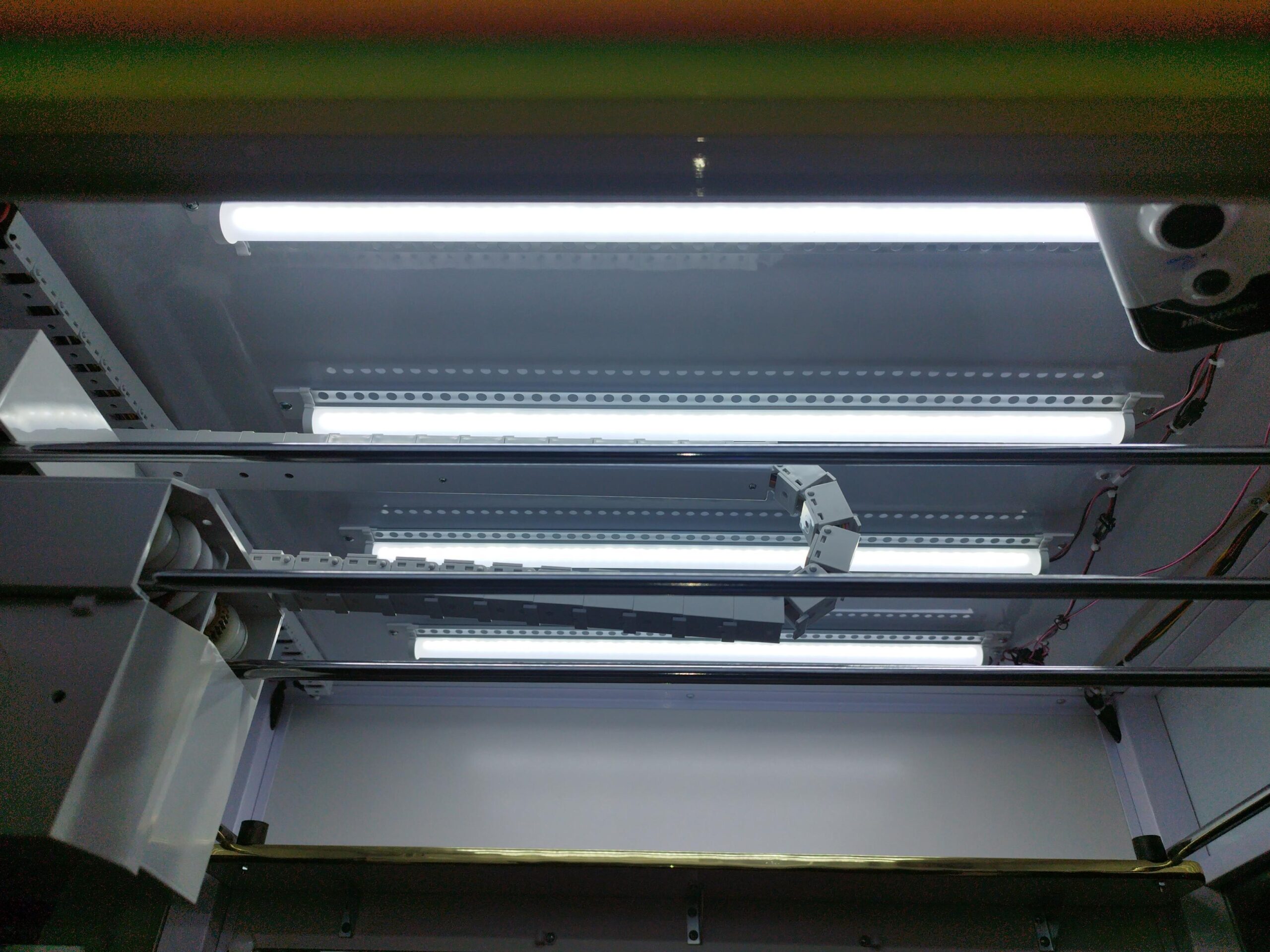
Is machine ceiling lights/raspi also off?
Contact IT before replacing power supply
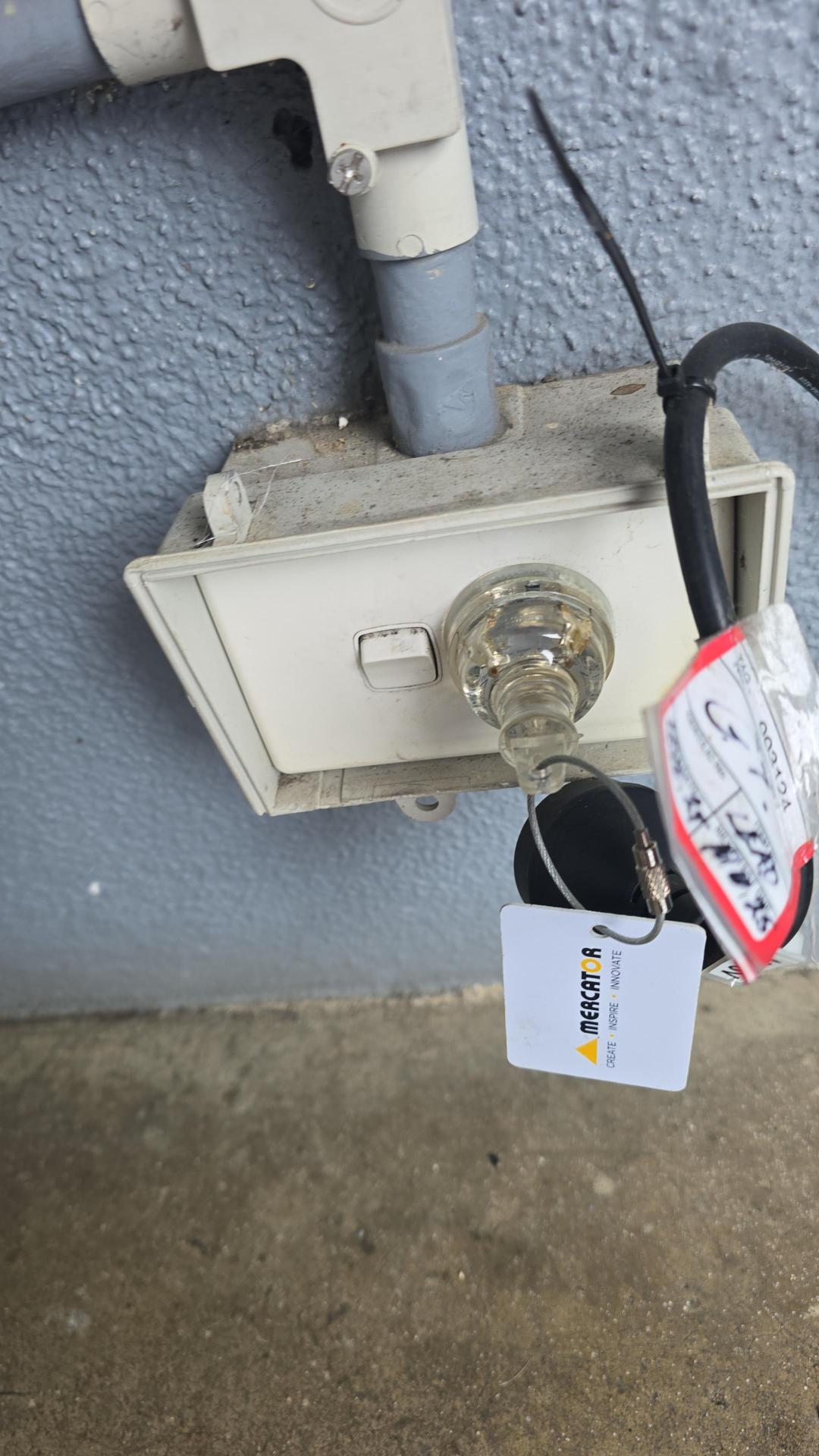
Is there power from the wall outlet?
Contact OPS/State Supervisor.
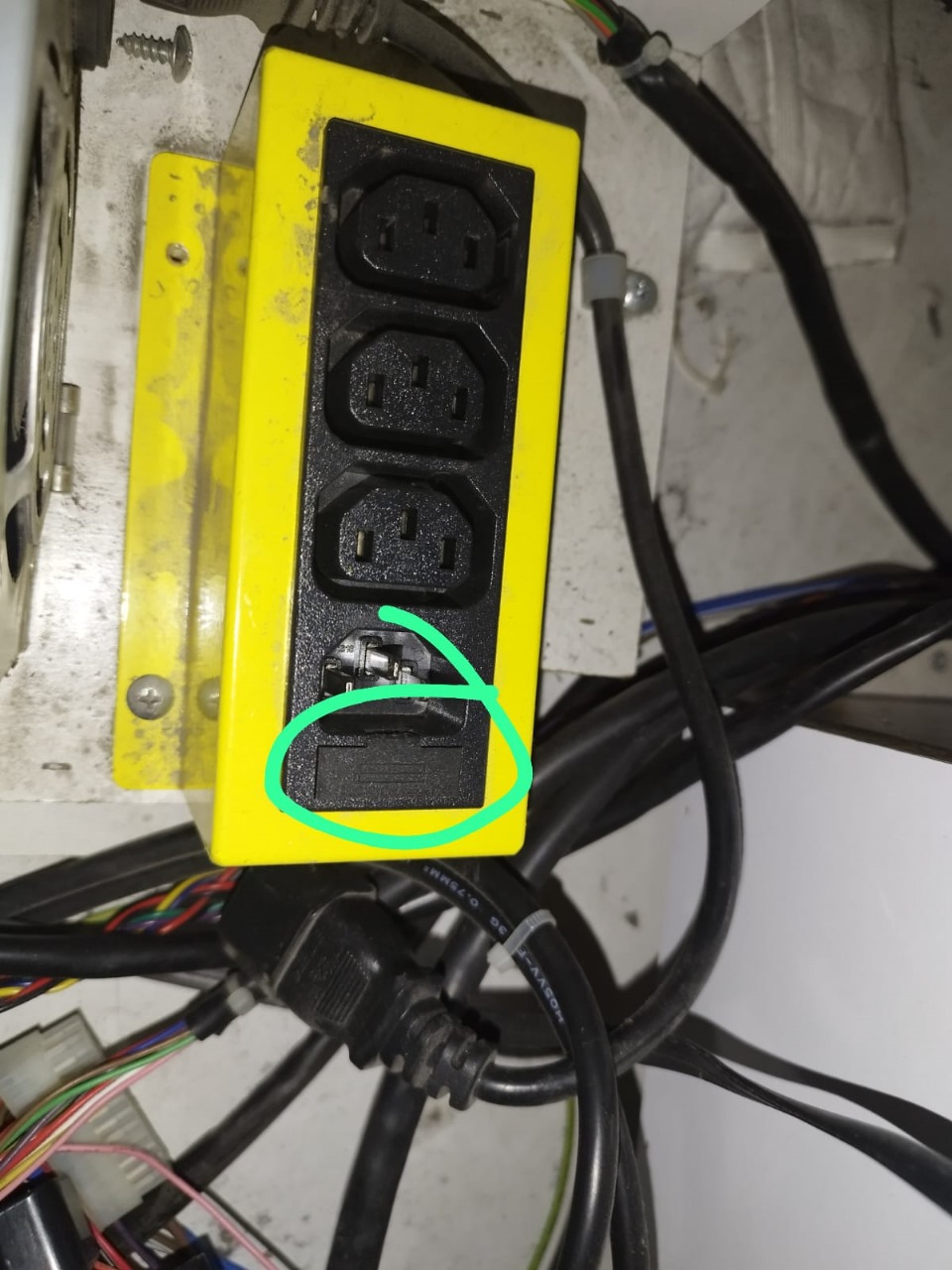
Contact IT before replacing power strip fuse (on yellow extension box) and test.
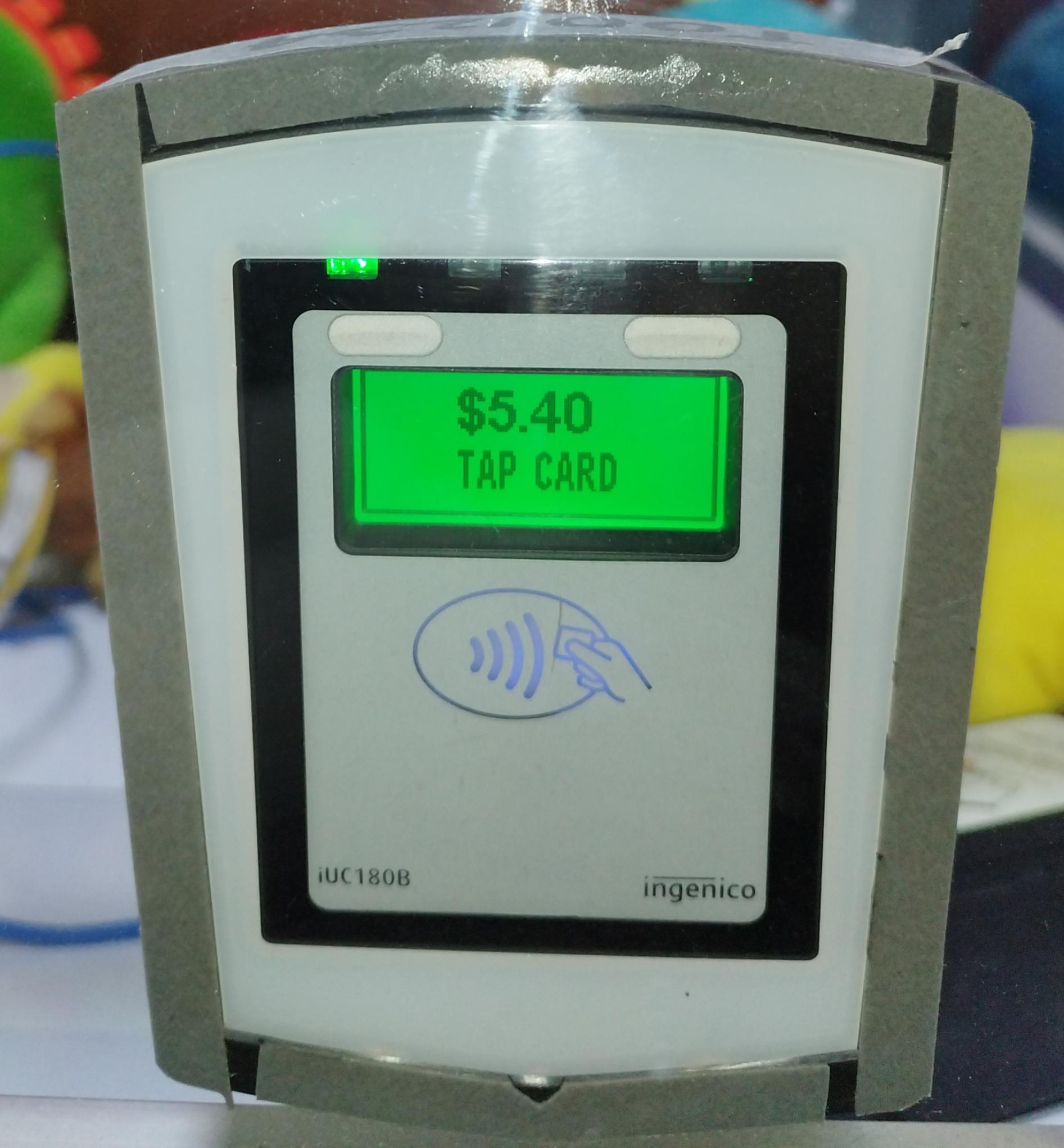
Does the Card Reader says "Tap $5.4"?
Turn machine off for 2 mins. And Contact IT Support
Is machine online? Contact IT to confirm
Contact IT Support
Did it accept coins?
Remove the coin mech and give it a good clean.
Test Again.
Does it give credits?
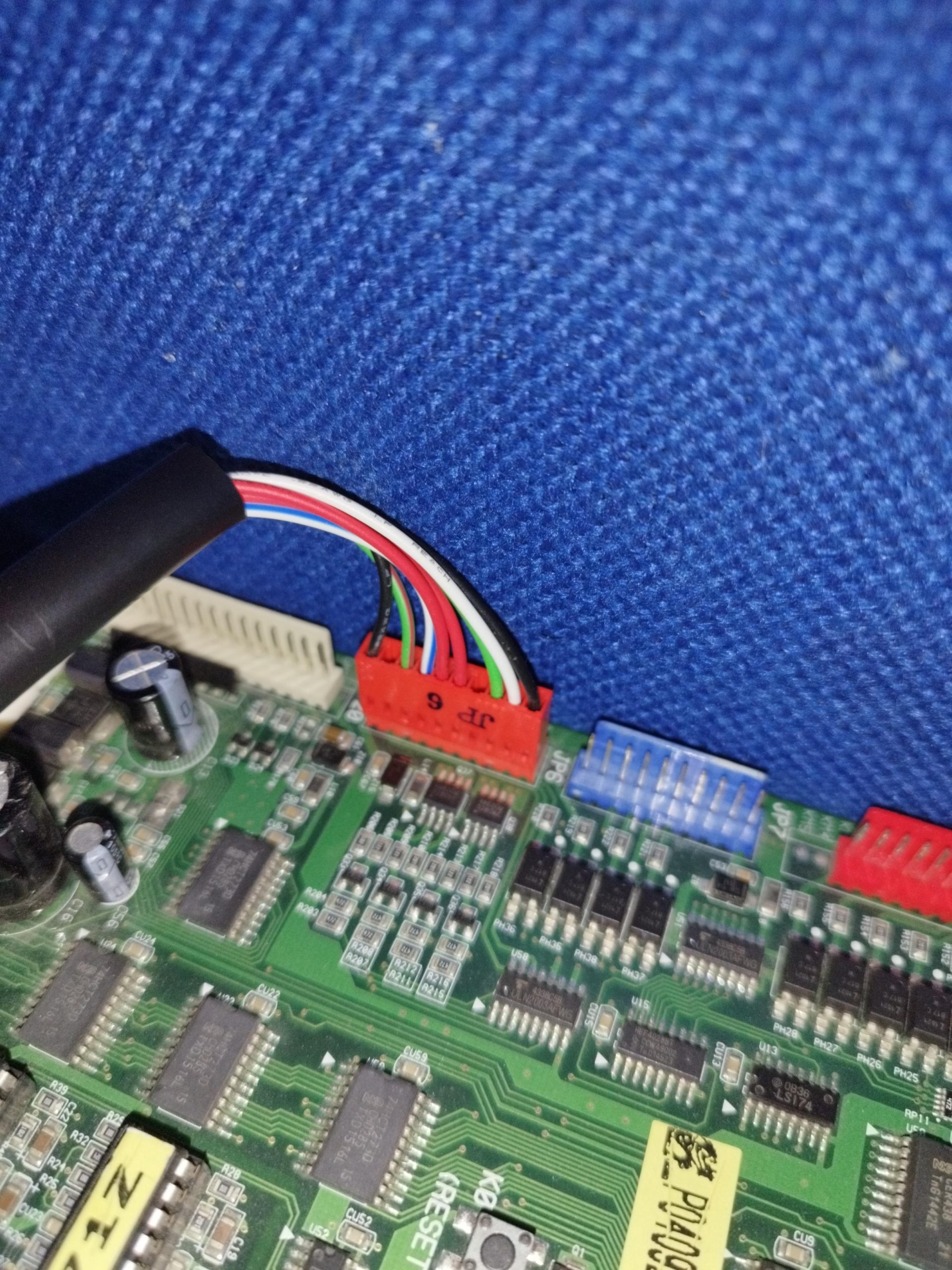
Disconnect the JP7, then reconnect it after a while. Does it give credits?
Finish the transaction then report back to the group chat.
Replace with new coin mech.
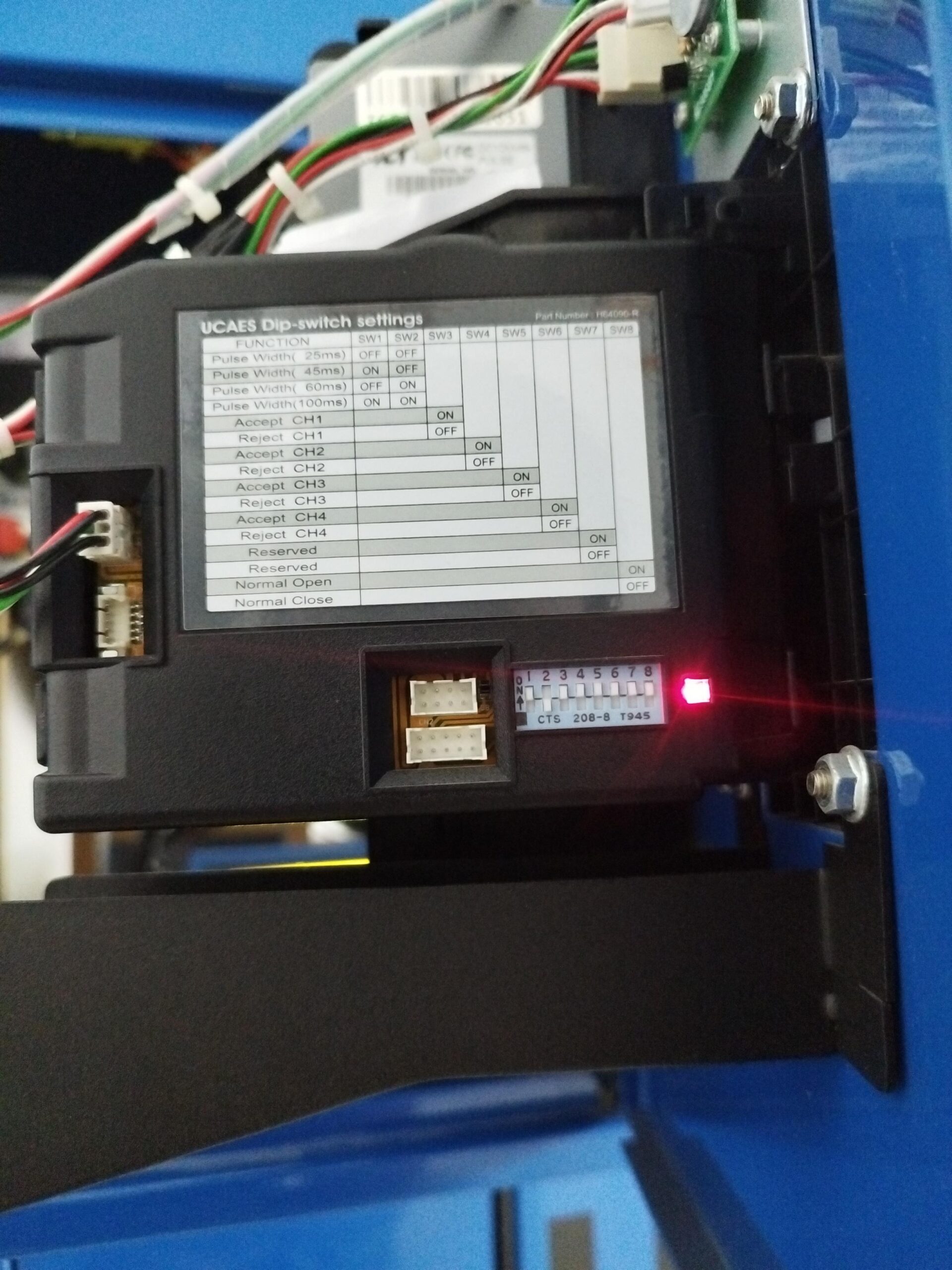
Does LED on side colour RED?
Remove the coin mech and give it a good clean.
Check again.
Does LED on side colour RED?
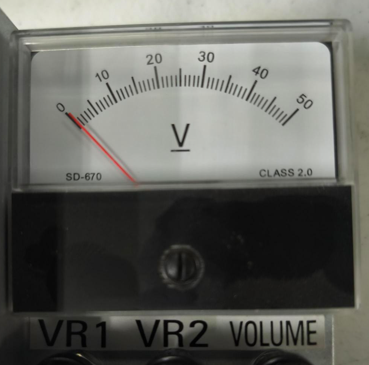
Is the voltmeter moving?
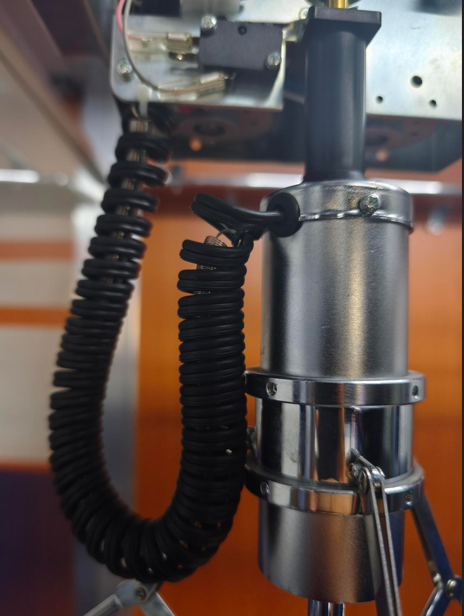
Is the coil or coil wire damaged?
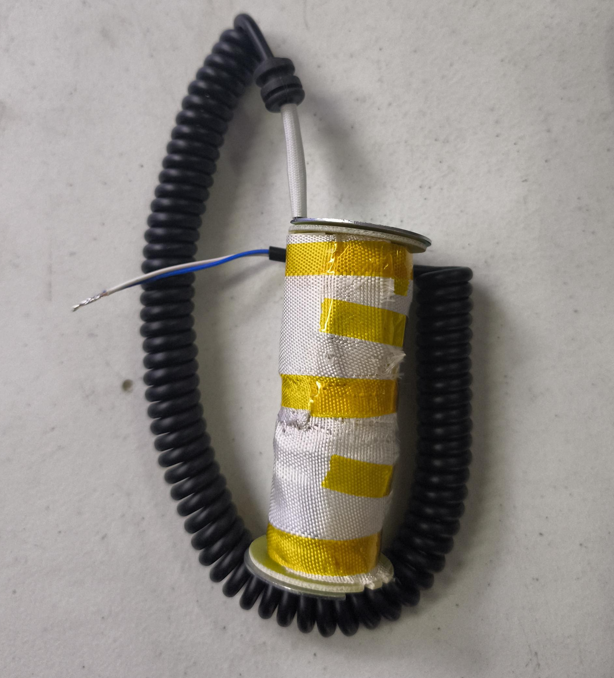
Replace coil
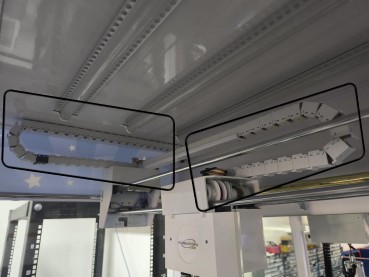
Check for any broken white or yellow wires on both looms.
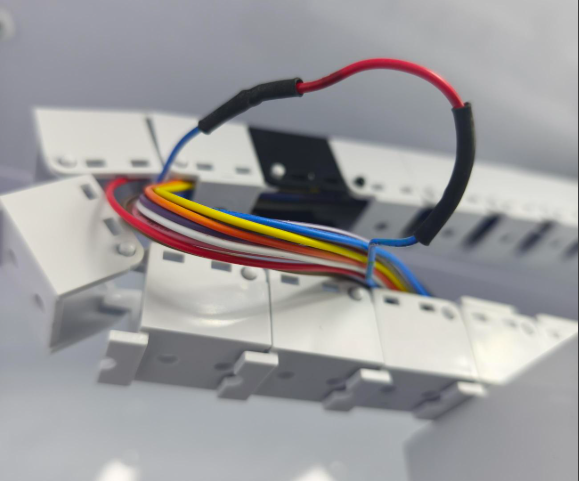
Repair the damaged wire. Add a few inches of extra wire in between the broken wire to extend it a bit
Contact Tech Support for assistance
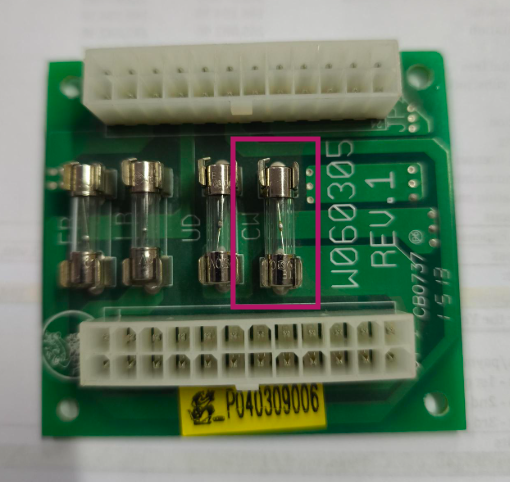
Is the CW fuse damaged?
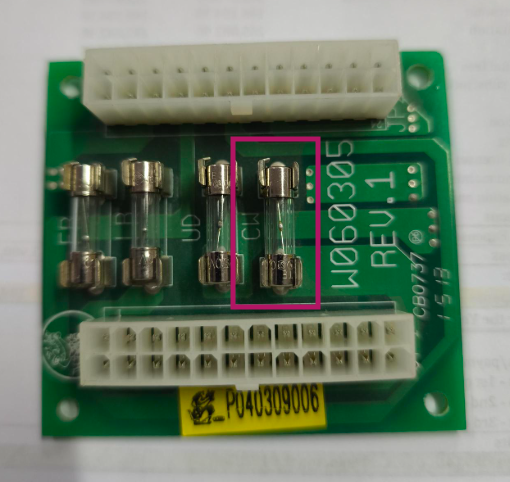
Replace the CW fuse (3A)
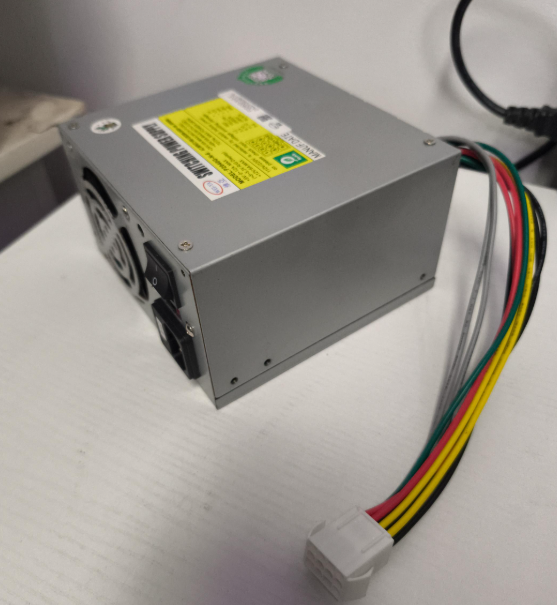
Contact IT before replacing the PSU and replacing main board.
Is it closing?
Finish service and report all working to group chat
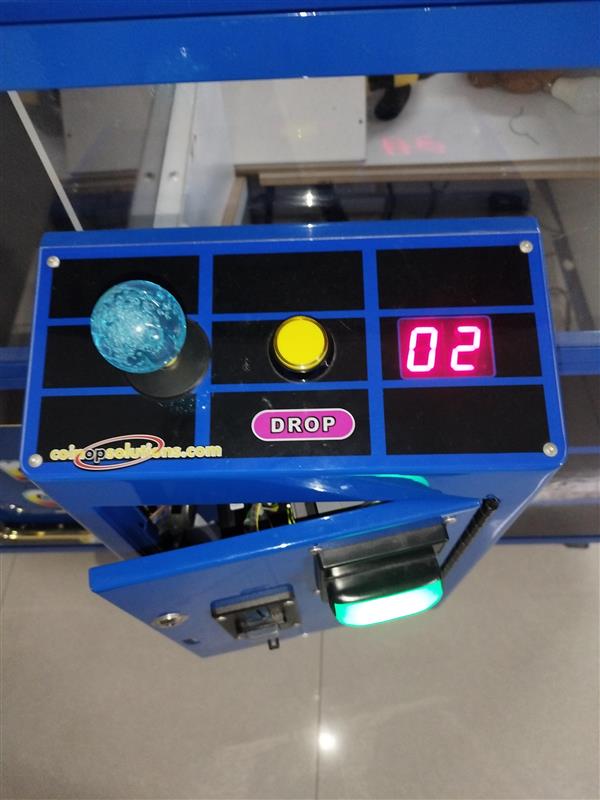
Is the machine in error?
Identify the error.
Troubleshoot the error.
Is Coin mech LED colour GREEN?
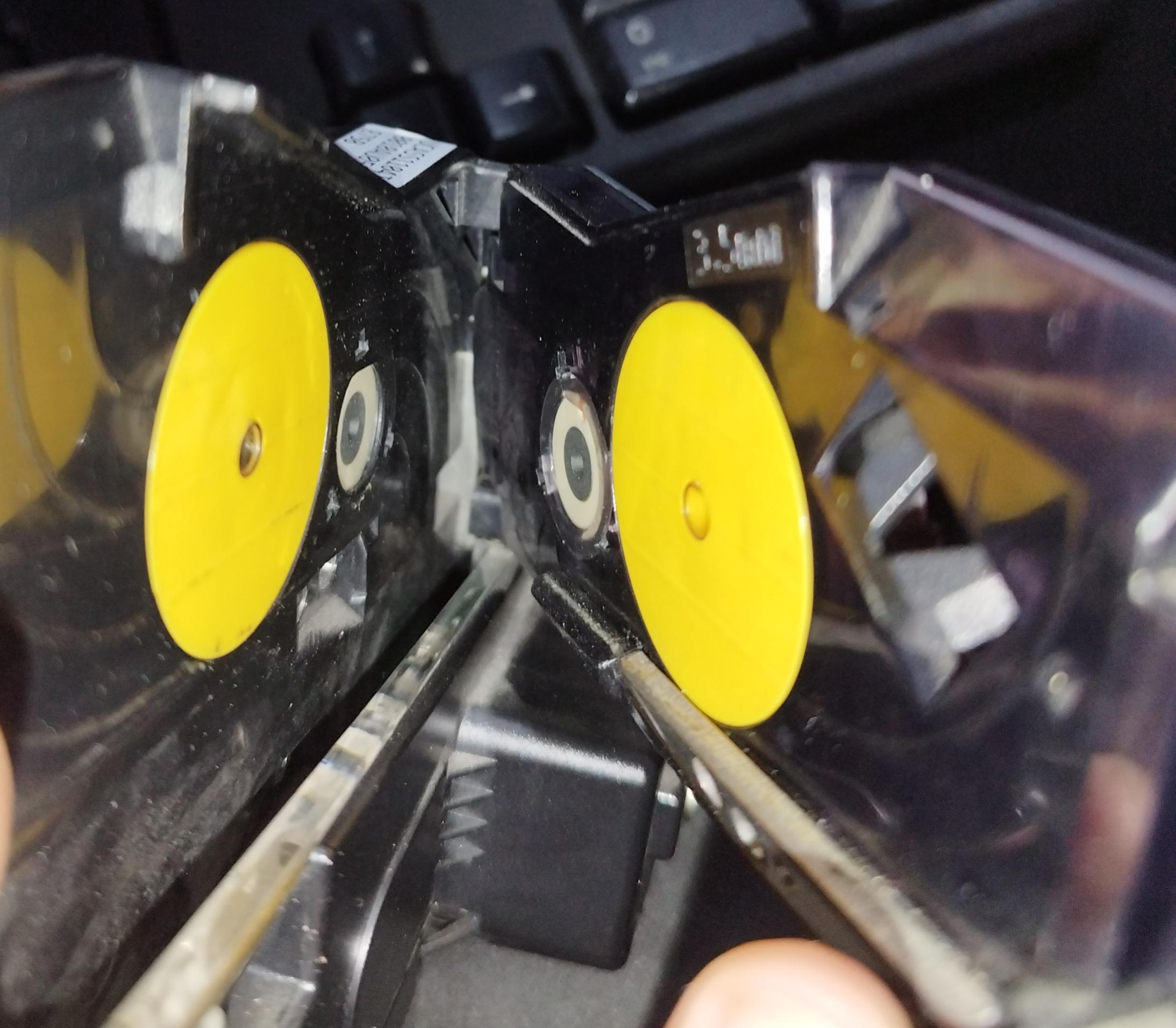
Clean the sensors.
Is it accepting now?
Replace Coin mech then restart the machine
Put in comments what has been done for monitoring.
Restart the machine.
Is it accepting coins?
Contact IT Support
Is it accepting coins now?
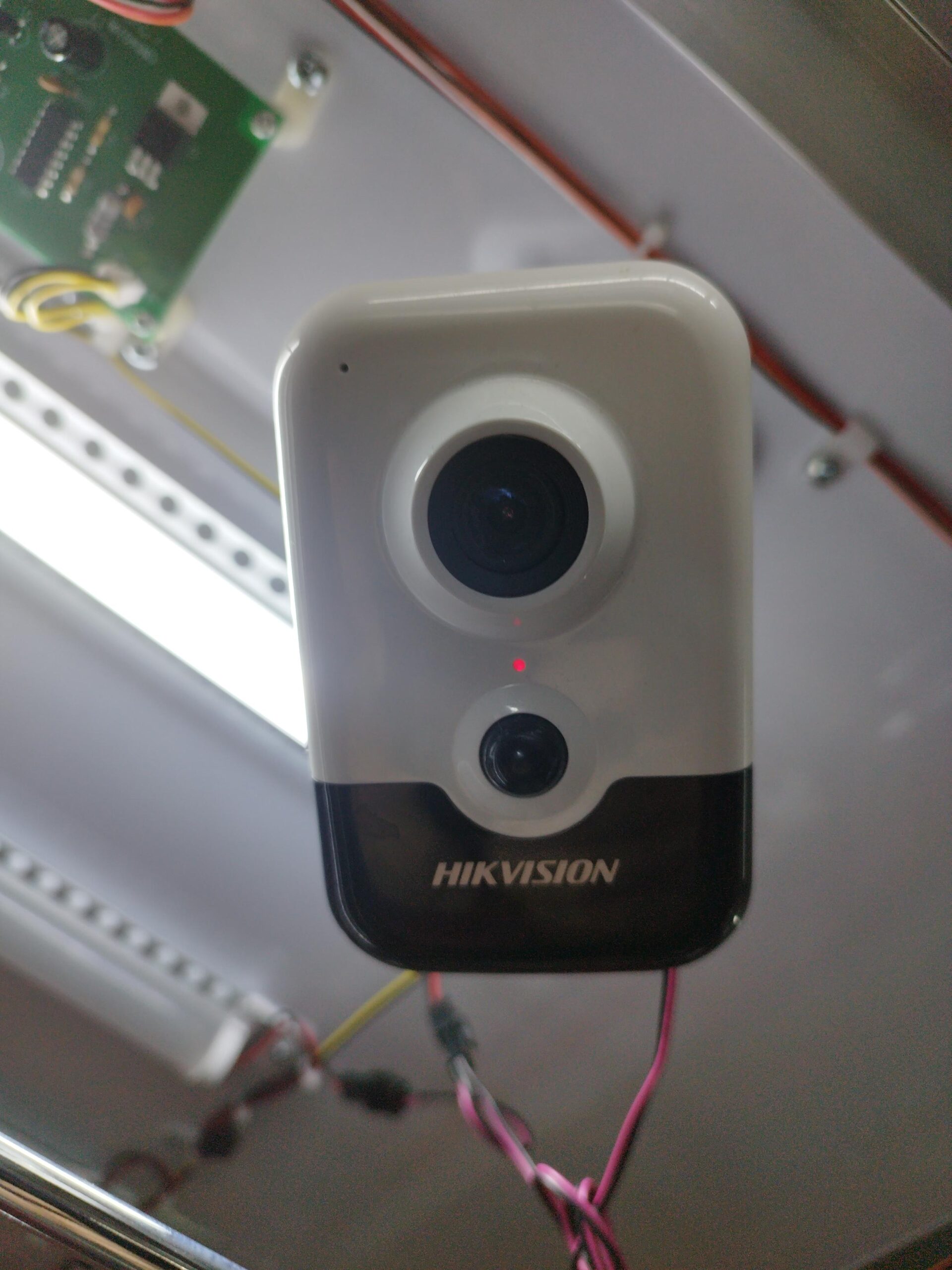
Is the camera LED coloured BLUE?
Is it detected? Please ask IT to check.
Capture Image (Please ask IT to attempt a capture)
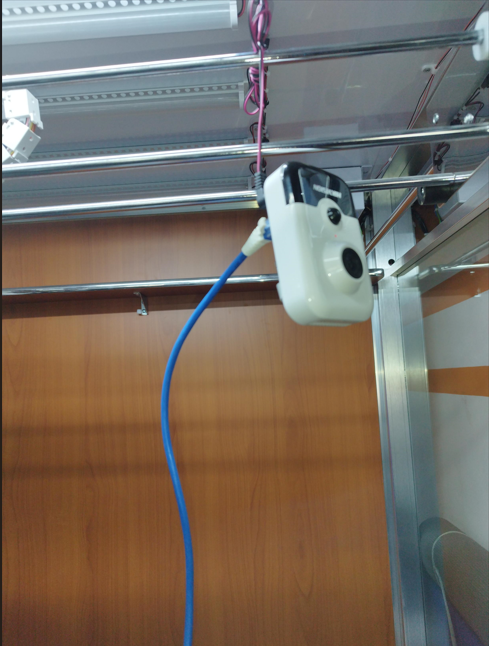
Connect LAN cable between the camera and router and ask IT reconfigure. Camera LED on blue now?
Contact IT before replacing the identified faulty device.
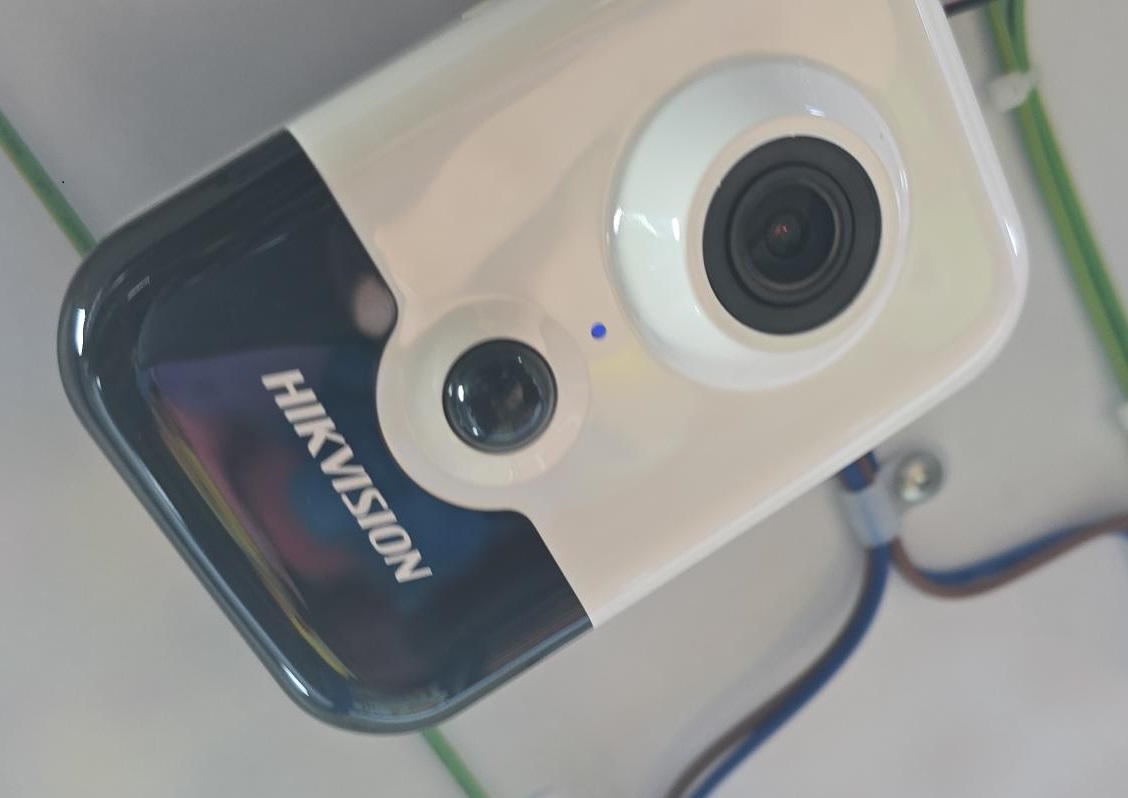
Reboot the camera for a minute or two.
Does the LED turn BLUE?